Best Budget Desk Chair for Students and Remote Workers in Australia 2026
REVIEWS
2/4/20268 min read
Small chair, big relief... comfort that actually fits the room & your budget.
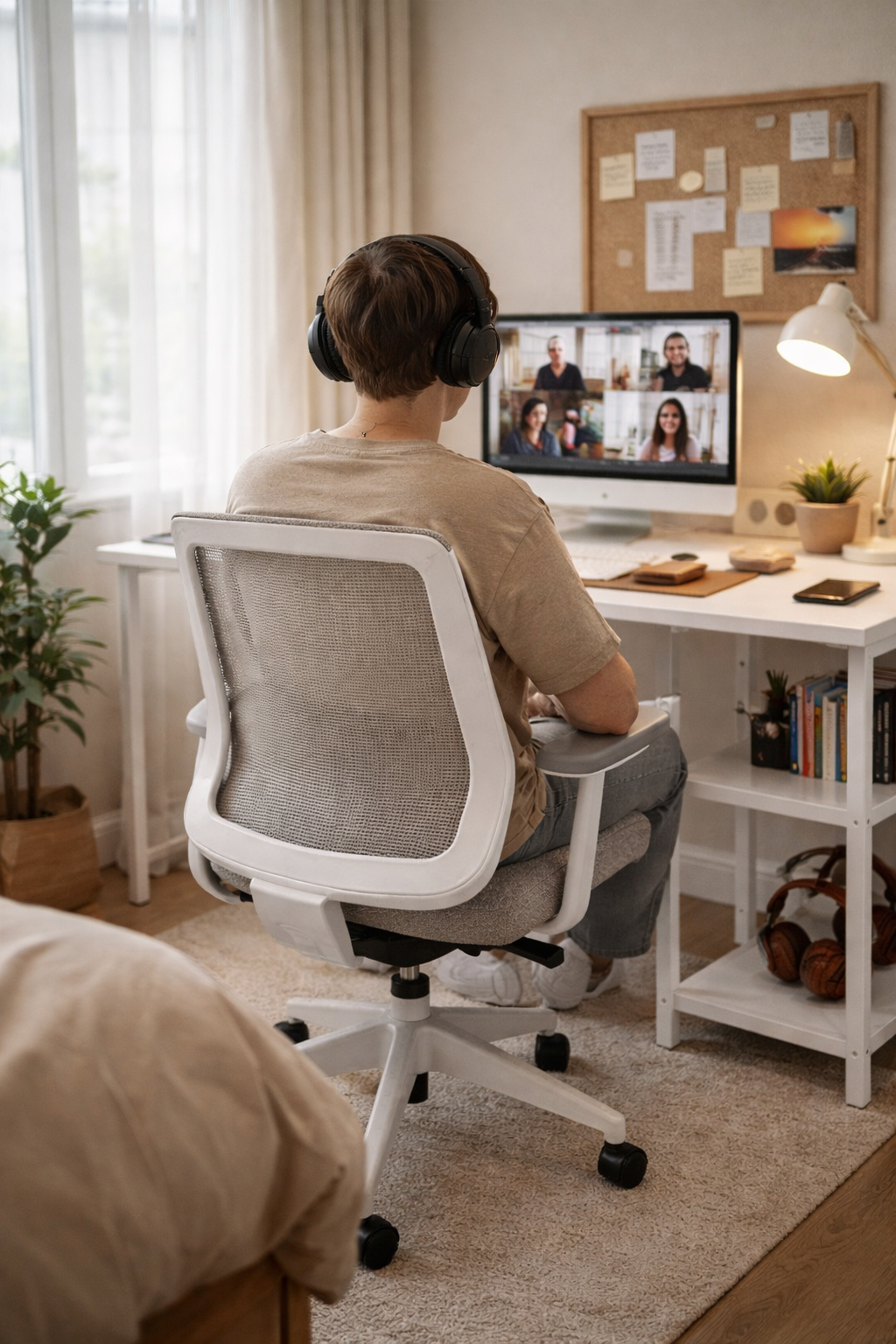
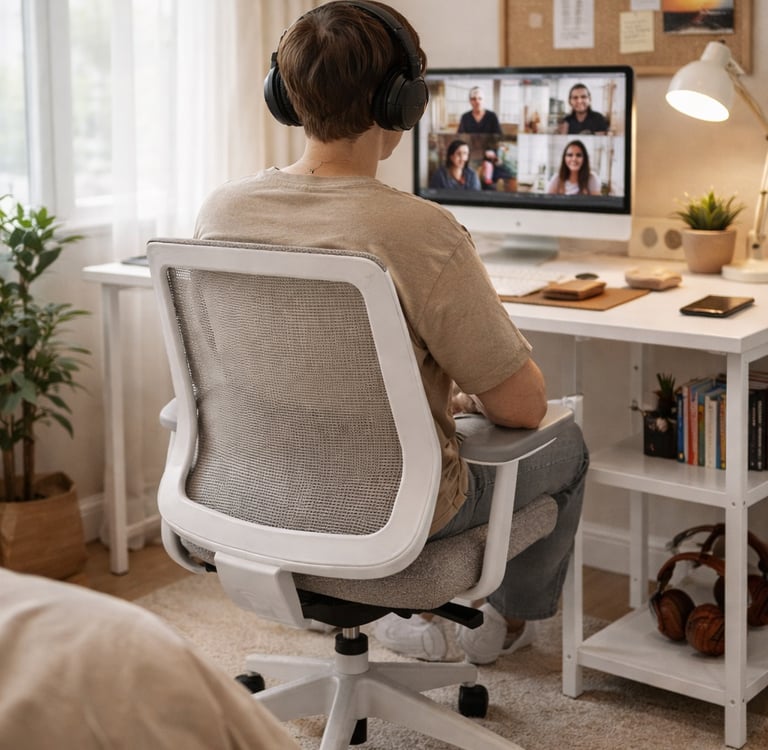
If you're searching for the best budget desk chair for long work-from-home days, you're probably not trying to build a perfect home office. You're trying to stay comfortable at a desk that lives in your bedroom, a share house corner, or a small rental where everything has to tuck away neatly.
This guide is for university students and remote and hybrid workers in Australia and New Zealand who need a chair that feels supportive over long sessions, without taking over the room. "Budget" here means generally under AUD $200, and "best" means practical in real life... usable seat size, armrests that don't block the desk, easy to roll and tuck away, and not too visually bulky.
As part of our ongoing transparency at Study Space Collective, we've included suggested products available at Amazon AU, Officeworks, and Kmart. For our full affiliate statement, click here.
Quick comparison: best desk chairs under $200
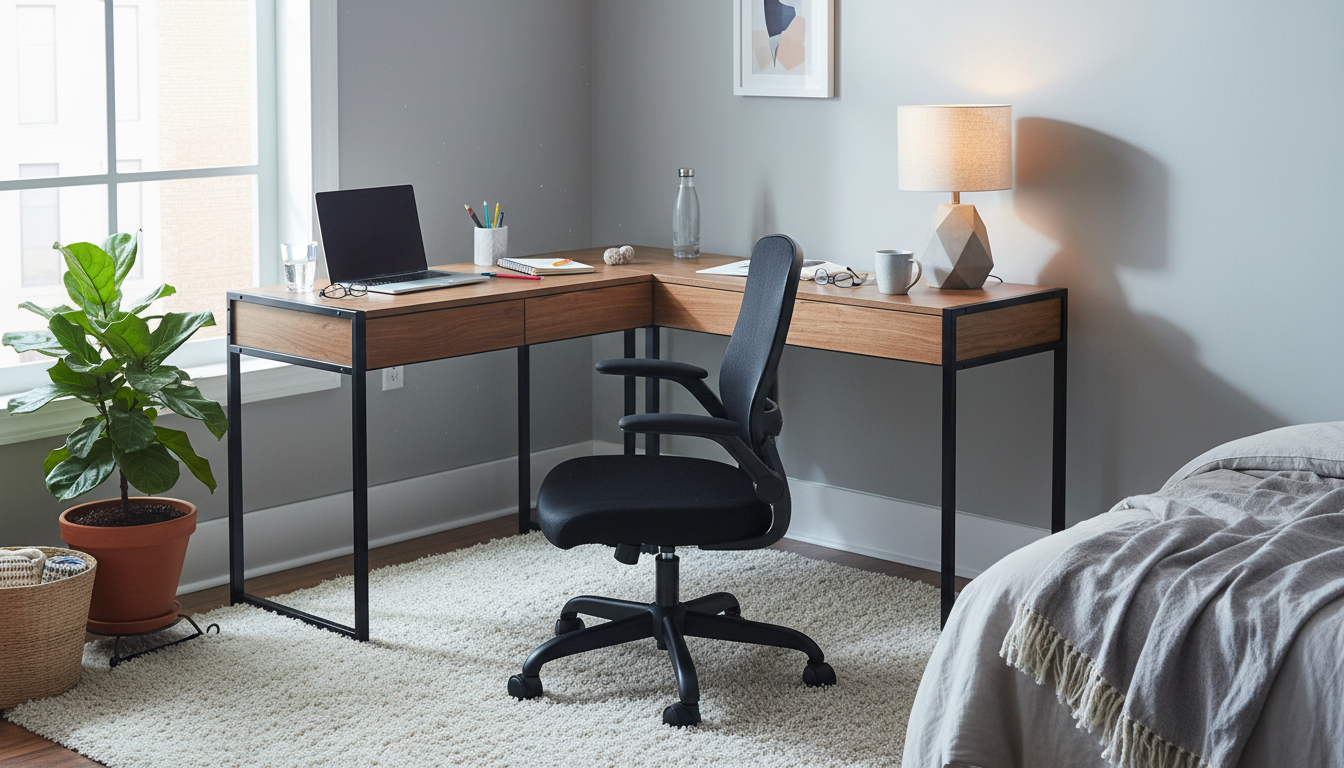
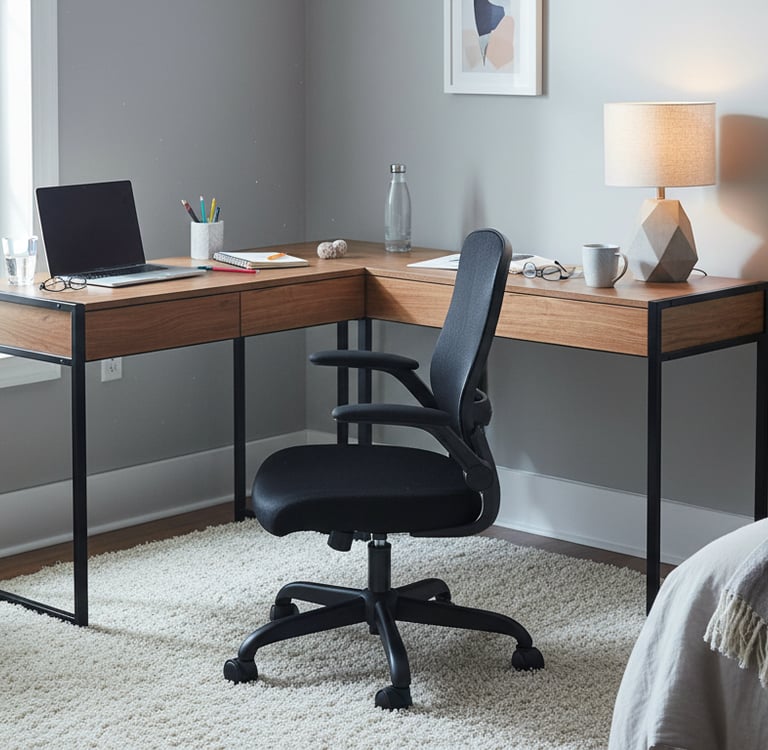
1) Ergonomic Mesh Office Chair with Flip-Up Armrests - Best Overall
Best for: Students and renters who want a proper office-chair feel that still tucks neatly under a desk
Why it suits small study spaces The flip-up armrests are the standout feature and one of the few "space saving" claims that actually delivers in practice. When you're done working, the arms fold up and the chair slides fully under the desk, freeing up the room. The mesh back keeps it visually lighter than thick padded alternatives, which matters when your chair is always visible from the bed.
Key strengths
Flip-up armrests allow full desk tuck - genuinely useful in small rooms
Mesh back looks lighter and runs cooler than padded alternatives
Adjustable height suits a range of desk setups
Handles long study and WFH sessions better than most in this price range
Limitations
Flip-up arms are practical but less adjustable than premium armrests
Budget mesh lumbar may feel slightly off depending on your height and posture
Not suited to users who need precise lumbar or seat depth adjustment
Comfort for long sessions Works well if you shift posture through the day: typing, leaning back briefly, moving between tasks. If you sit very still for long uninterrupted blocks, you may want to add a small lumbar cushion for extra support.
2) Oikiture Armless Office Desk Chair - Best for Tight Spaces
Best for: Small rooms where armrests constantly hit the desk or block walkways
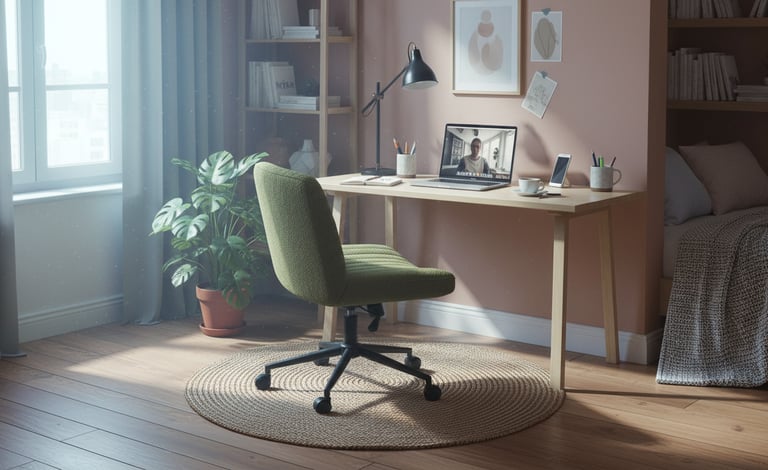
Why it suits small study spaces No armrests means this chair slides fully under almost any desk without catching on drawers or side panels. In genuinely tight rooms, desks at the end of a bed, narrow walls, or rooms where every centimetre counts - this is often the most practical choice. The softer upholstery blends into a bedroom better than classic office mesh.
Key strengths
Armless design tucks away cleanly under any desk
Softer styling reads more like bedroom furniture than office gear
Compact footprint suits narrow rooms and small floor areas
Easy to move and reposition without catching on anything
Limitations
No armrests means you rely on desk height and posture for shoulder comfort
Softer cushioning can feel comfortable initially but may offer less structured support over a full day
Less suitable for 8-hour WFH days without breaks
Comfort for long sessions A good match for mixed-use days: online classes, study blocks, breaks. If you're doing long uninterrupted work days, consider adding a lumbar cushion or taking regular movement breaks.
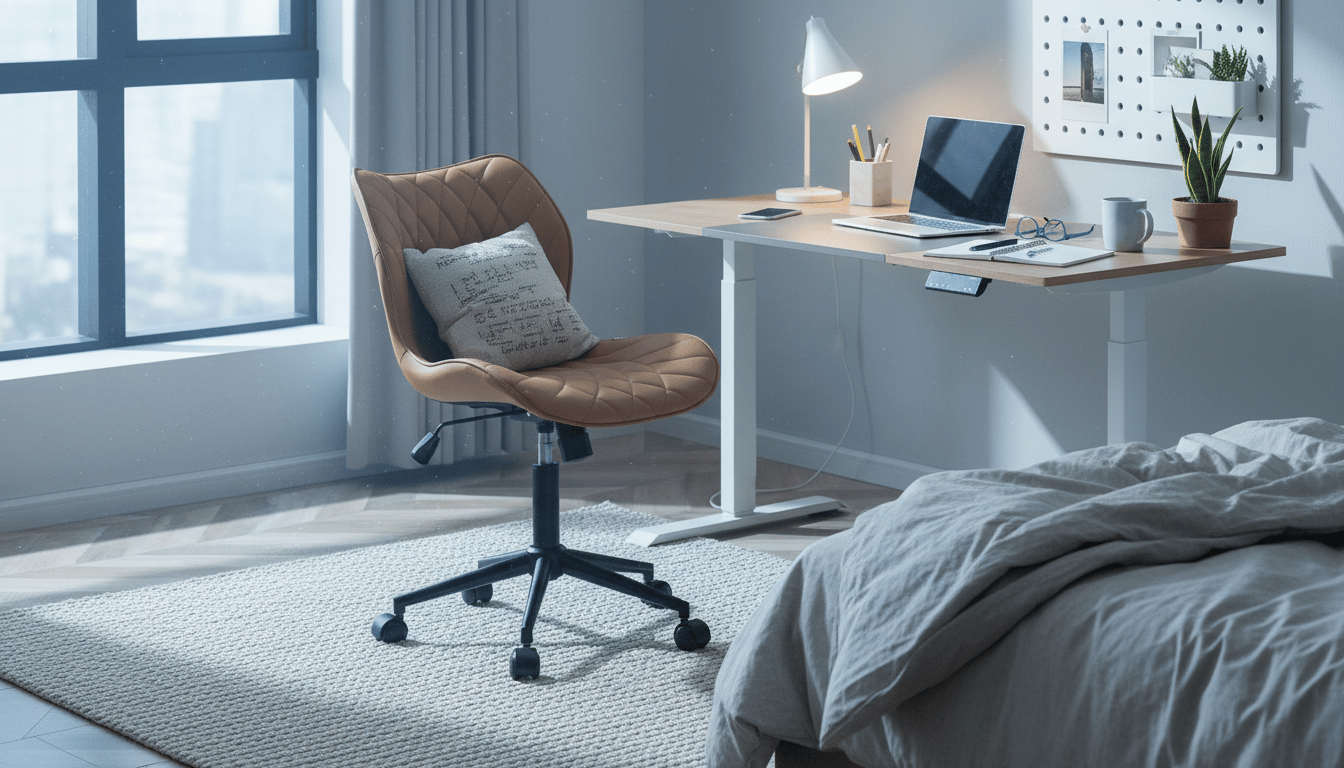
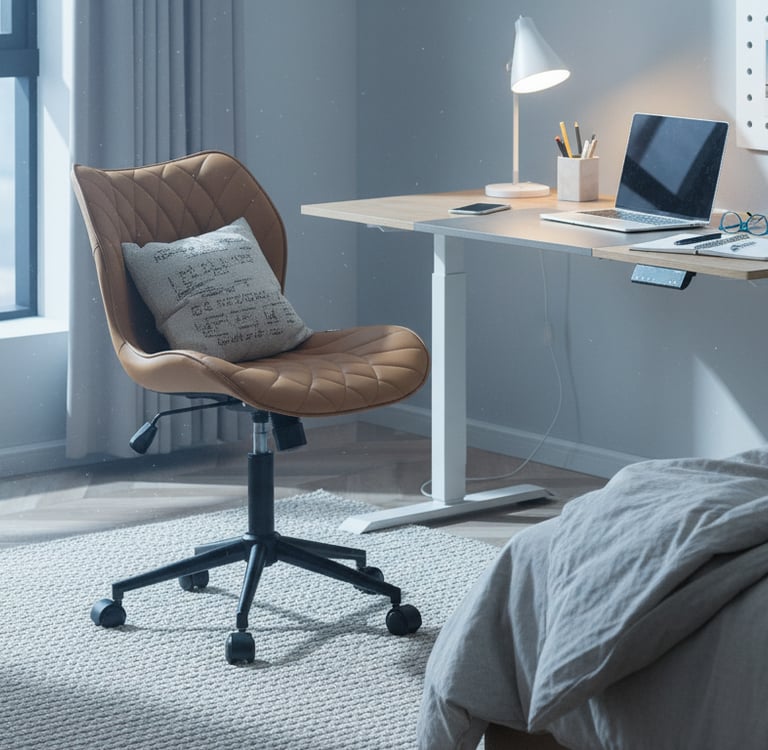
3) YOUTASTE Armless Home Office Desk Chair - Best Soft-Seat Option
Best for: People who want an armless chair with more cushioning than a typical minimalist task chair
Why it suits small study spaces Armless and padded, a combination that suits bedroom work setups well. It tucks away easily and feels more welcoming than rigid office designs, which can make a small room feel slightly less like a corporate workspace. A good option if you find hard mesh uncomfortable for long periods.
Key strengths
Armless design for easy desk tuck and minimal room footprint
Padded seat and back feel more welcoming than mesh for some users
Compact and easy to move between rooms
Suits laptop-first setups well
Limitations
Softer cushions can cause support issues after a few hours for some users
Less structured lumbar than ergonomic office chairs
May need a lumbar cushion for full-day comfort
Comfort for long sessions Works well for laptop-first work and setups where you move around regularly. If you're doing long stretches without breaks, a small lumbar cushion behind the lower back makes a noticeable difference.
4) Officeworks Otto Kronborg Ergonomic Chair - Best for Taller Users
Best for: Taller users who find most budget chairs too small, and anyone who prefers buying from a major Australian retailer
Why it suits small study spaces Officeworks states clearly that this chair is recommended for users 176cm or taller - genuinely useful guidance that most budget chairs don't provide. If you've consistently felt squeezed or under supported in compact chairs, the clearer sizing here is worth paying attention to.
Key strengths
Designed for users 176cm and taller - rare clarity for a budget chair
Available from Officeworks with straightforward returns if needed
Standard ergonomic features at an accessible price point
Good option if you want to buy in-store and try before committing
Limitations
Officeworks rates it for 3–5 hours of use per day. Important if you're doing full WFH days
More visual bulk than armless or mesh alternatives. Check it can tuck under your desk
Not ideal for 8+ hour sitting without additional lumbar support
Comfort for long sessions If your day is naturally broken up: classes, commutes, errands, study blocks - the 3–5 hour daily rating may still fit your reality. If you're sitting 8 hours or more most days, this rating is worth taking seriously.
5) Kmart Boucle Home Office Chair - Best Bedroom Aesthetic
Best for: Small rooms where visual calm matters and you don't want the chair to feel like corporate office furniture
Why it suits small study spaces This chair reads more like home furniture than office gear — a genuine advantage in a bedroom or share house setup where you want the space to feel calm rather than worky. The boucle upholstery blends naturally into most bedroom colour schemes, and the armless design keeps the footprint small.
Key strengths
Bedroom-friendly aesthetic that doesn't dominate the room
Armless for easy desk tuck and minimal footprint
Good value at the price point
Suits setups where visual calm is a priority
Limitations
Style-first design means support takes a back seat to aesthetics
Not suited to long uninterrupted work sessions without additional lumbar support
Less adjustability than purpose-built ergonomic chairs
Comfort for long sessions Works well for shorter sessions, mixed-use days, and setups where you take regular breaks. If you're sitting for long stretches, a lumbar cushion will help significantly. See chair mats available on Amazon AU if rolling noise or floor protection is a concern.
What to look for when choosing a budget desk chair
Seat depth and width Seat fit is the most important factor for long sessions. Too deep and you'll perch forward, putting strain on your lower back. Too shallow and you feel unsupported. A simple check: sit back so your hips touch the backrest - your feet should still sit flat on the floor without sliding forward.
Can it tuck under the desk? In small rooms, the chair needs to disappear when you're done. Flip-up armrests let you push the chair fully under most desks. Armless chairs are the easiest option of all. Fixed wide armrests are the most likely to cause problems in tight spaces - always check the chair width against your desk before purchasing.
Armrests: useful or in the way? Armrests help reduce shoulder tension if you use an external keyboard and mouse and your desk height allows it. But they can also stop the chair fitting under the desk, push you too far from the keyboard, and catch on drawer units. If you're laptop-first at a compact desk, armrests are often optional.
Mesh vs padded Mesh backs tend to look lighter, run cooler in warm months, and suit smaller rooms visually. Padded chairs feel softer initially but can compress over time. Over long sessions, fit and lumbar support matter more than which material you choose.
Do you need a chair mat? Not always, but worth considering if your chair rolls loudly on hard floors at night, or if you're in a rental and want to protect the flooring. A mat also reduces the effort needed to roll the chair in and out from the desk on carpet.
Browse chair mats on Amazon AU →
FAQs students and remote workers often ask
What matters most for long WFH days in a small room? Seat fit - depth and width - plus a back that suits how you naturally sit, and whether the chair can actually tuck under your desk. In small rooms, "out of the way" is a real feature.
Are armrests necessary? Not always. They help if you use an external keyboard and mouse at a desk that accommodates them. For compact desks or laptop-first setups, armless chairs are often more practical. Flip-up arms are a useful middle ground.
Mesh or padded - which is better? Mesh looks lighter and runs cooler, which suits smaller rooms and warmer months. Padded feels softer initially. For most people, fit and support matter more than material choice.
How do I know if a chair is too big for my room? If it sticks out noticeably from the desk when pushed in, blocks a walkway, or hits wardrobe doors or drawers, it will become a daily annoyance. Measure the gap between your desk and the nearest wall or furniture before buying.
Do I need a chair mat in a rental? If your wheels dig into carpet, make rolling difficult, or create noise on hard floors late at night, a mat is usually worth it. If your chair rolls quietly and your flooring is robust, you can skip it.
Practical summary
Comfort is personal, and under $200 there are always trade-offs. The goal is to pick the trade-offs you can live with.
For the most practical small-room ergonomic option, the mesh chair with flip-up arms gives you the best balance of support, desk tuck, and value. If armrests are consistently causing problems in your space, either the Oikiture or YOUTASTE armless chairs solve that cleanly. If you're taller and want clear sizing guidance, the Otto Kronborg from Officeworks is worth a look - just keep the 3–5 hour daily rating in mind. And if bedroom aesthetics matter as much as function, the Kmart Boucle is hard to beat at the price for rooms where you don't want it to feel like an office.
Shop budget desk chairs on Amazon AU →
Looking to complete your setup? See our guides on the best small desks in Australia, best headphones under $100, and our complete WFH starter setup guide.
This article is intended as general guidance. Always choose equipment based on your personal needs, space, and budget. Prices may vary across retailers and over time.
Our Top Pick
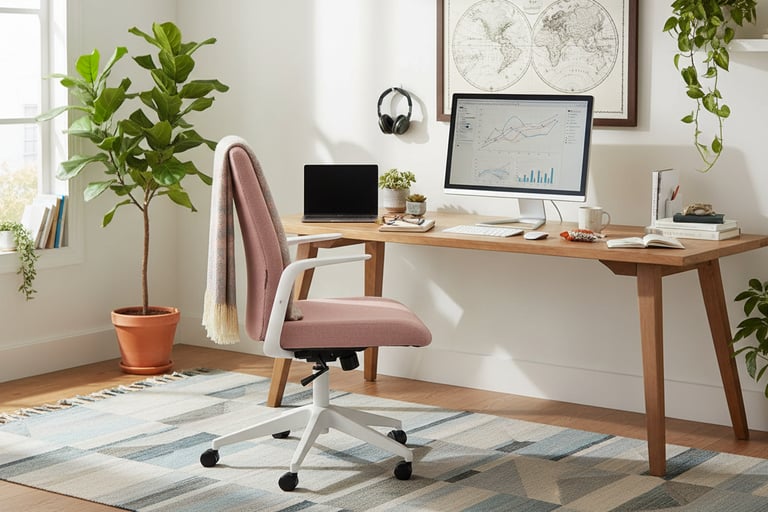
Ergonomic Mesh Office Chair with Flip-Up Armrests The most practical all-round budget chair for small rooms in Australia. Flip-up arms let it tuck fully under a desk, mesh back keeps it visually light, and it handles long study and WFH sessions better than most chairs at this price.
The 5 best budget desk chairs for students and remote workers
Study Space Collective
Simple guides and real reviews for better study and work-from-home spaces across Australia and New Zealand.
Contact